Discovering a blank screen or a flashing red LED on your living room television can be frustrating. Before scheduling an technician visit or shelling out cash for out-of-pocket repairs, it is essential to determine whether your Hisense TV troubleshooting issue can be resolved with a simple reset or if it requires a formal Hisense warranty claim.
This how-to-guide walks South African homeowners through diagnosing TV fault codes, verifying warranty coverage, and submitting a seamless repair claim with Hisense South Africa.
Step 1: Basic Reset vs. Hardware Assessment
Not every television fault requires an authorized service agent. Modern Hisense Smart TVs running VIDAA OS or Android TV can sometimes encounter temporary software memory leaks or HDMI handshake glitches that mimic hardware failures.
The 60-Second Power Cycle (Soft Reset)
Before logging a warranty ticket, perform a complete power cycle:
- Turn off the TV using the remote control.
- Unplug the power cable directly from the wall socket.
- Disconnect all HDMI cables, soundbars, and external devices.
- Hold down the physical Power Button on the bottom or side panel of the TV for 30 seconds to drain residual capacitor power.
- Wait 5 minutes, plug the TV back in directly to the wall (avoid extension cords for testing), and switch it on.
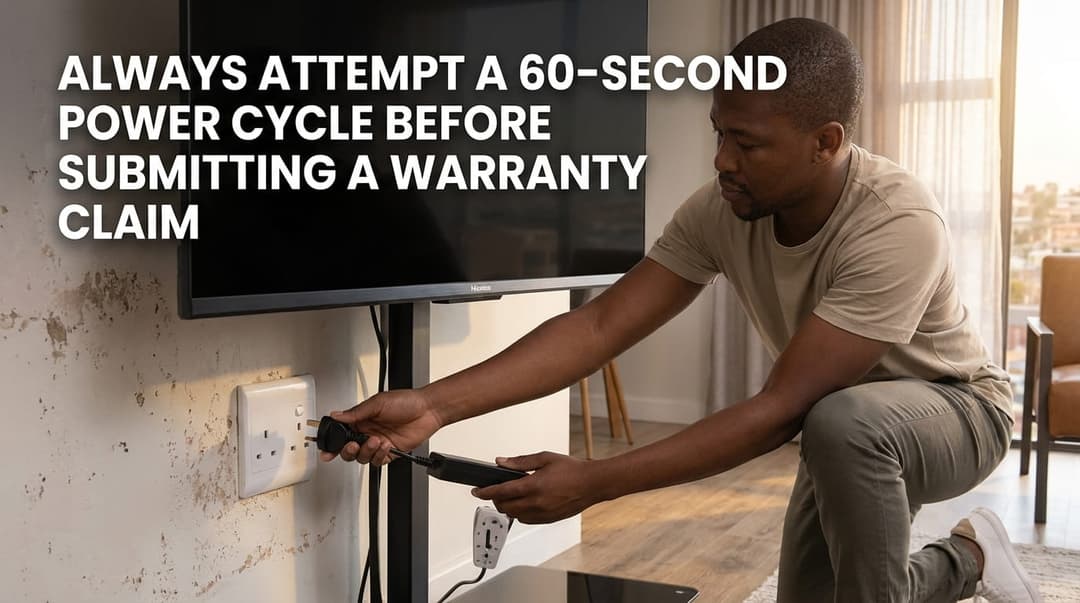
Figure 1: Always attempt a 60-second power cycle before submitting a warranty claim.
Step 2: Diagnosing Hisense TV Fault Codes
If the power cycle fails to restore your TV, pay close attention to the front standby LED indicator. Hisense televisions use specific blink patterns to signal internal component states.
Below is a diagnostic reference breakdown to help you determine if an assessment is mandatory:
Quick Diagnostic Reference
| code | cause | action | covered |
|---|---|---|---|
| No Power / Red Standby LED Off | Power supply board failure or tripped main surge protector | Power cycle TV; if non-responsive, requires warranty technician. | Yes |
| Red LED Flashes (2 to 6 times) | Backlight unit failure or mainboard communication fault | Perform a hard factory reset; if issue persists, log a repair claim. | Yes |
| Screen Flickering / Vertical Lines | T-Con board failure, loose ribbon cable, or panel damage | Check HDMI cables. Physical panel cracks are excluded. | Conditional (Hardware only) |
| Sound Works, No Picture (Black Screen) | LED Backlight failure or Inverter board malfunction | Flashlight test on screen. Hardware defect covered under warranty. | Yes |
| Wi-Fi Disconnects / Apps Crashing | VIDAA OS cache buildup or outdated firmware | Soft reset & firmware update via USB. Do not log hardware repair. | No (Software fix) |
Note: Physical screen cracks or liquid damage visible inside the panel matrix are strictly excluded from standard manufacturer warranties.
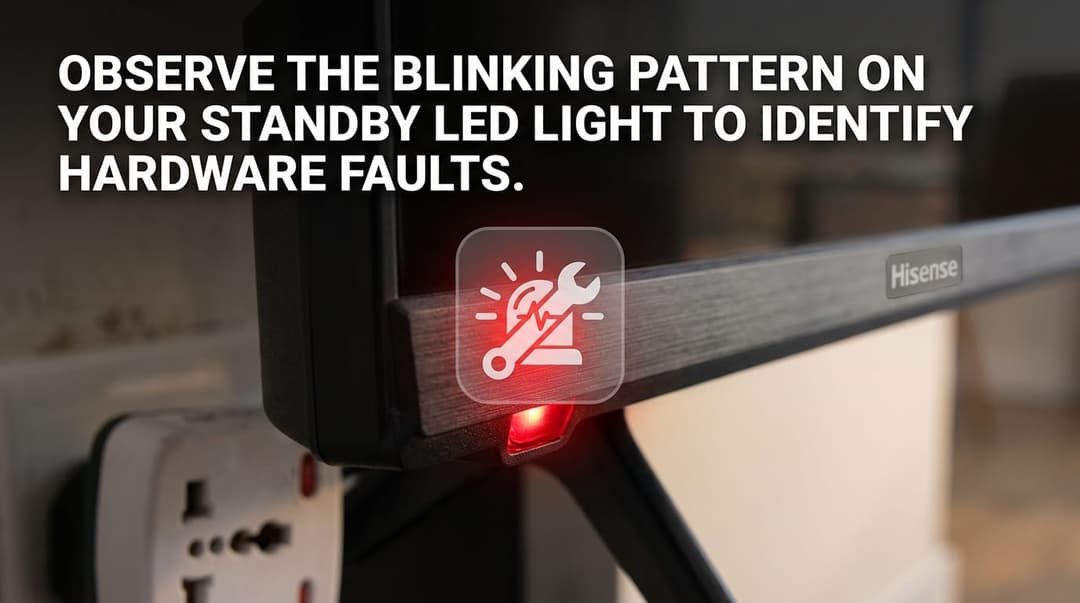
Figure 2: Observe the blinking pattern on your standby LED light to identify hardware faults.
Step 3: Check Your Hisense South Africa Warranty Status
Hisense South Africa provides generous standard warranties on their television units, provided the unit was purchased through an authorized local retailer (e.g., Makro, Game, Hirsch's, Takealot, or Incredible Connection).
Standard Coverage Duration
- Standard LED & Smart TVs: 3 Years (36 Months) from the original date of purchase.
- Premium ULED & Laser TVs: 3 to 5 Years (Depending on promo registration at purchase).
Key Requirements for a Valid Claim
To lodge a successful warranty claim in South Africa, ensure you have the following ready:
- Original Proof of Purchase: A valid tax invoice or retail store receipt showing the date, retailer name, and model number.
- Serial Number (S/N): Located on a white sticker on the back panel of the television unit or accessible under
Settings > Support > System Info. - Physical Condition: The serial sticker must be intact and legible.
The table below summarizes the coverage periods for your Hisense television:
| category | duration | proof Required |
|---|---|---|
| Standard Smart TVs (LED / UHD) | 3 Years (36 Months) | Tax Invoice / Till Slip |
| Premium TVs (Laser TV / ULED / OLED) | 3 to 5 Years (Varies by registration) | Tax Invoice + Online Product Registration |
| Physical Damage / Water / Liquid Spills | 0 Months (Excluded) | N/A |
Step 4: How to Log a Warranty Repair Claim in South Africa
If your Hisense television exhibits a clear hardware defect within its coverage period, follow these steps to initiate a service repair request:
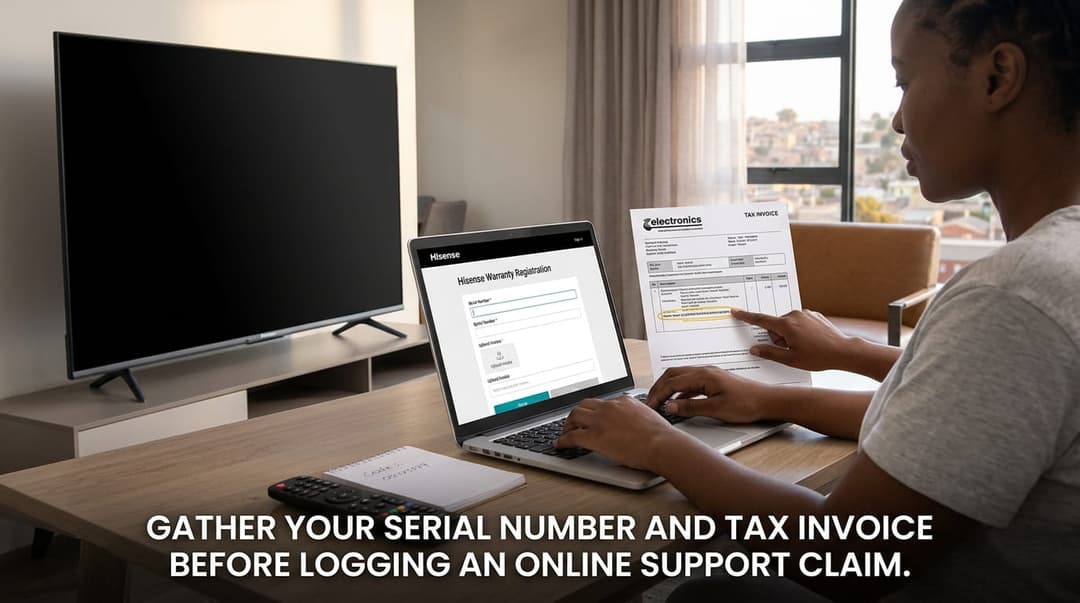
Figure 3: Gather your serial number and tax invoice before logging a online support claim.
Option A: Contact Hisense South Africa Support Direct
- Call Center: 0860 447 3673 (0860 HISENSE)
- WhatsApp Support: Available via the official Hisense SA portal.
- Online Portal: Visit the official Hisense South Africa Support page to fill in the Service Request Form.
Option B: Book In via Your Retailer
If your TV is within its first 14 to 30 days of purchase, many South African retailers offer direct store exchanges for defective units. Beyond 30 days, the retailer will facilitate sending your unit to an authorized Hisense repair centre on your behalf.
Summary Checklist Before You Call
- [ ] Performed a 30-second power drain soft reset.
- [ ] Checked all HDMI and external audio cables.
- [ ] Confirmed the TV screen is free from physical cracks or liquid penetration.
- [ ] Located your original store receipt / tax invoice.
- [ ] Noted down the Serial Number from the back of the TV.
Experiencing a similar issue? Contact us for a no-obligation quote. We're here to help.
If you know what parts to look for, please visit Tech and Bids to search for what you need.