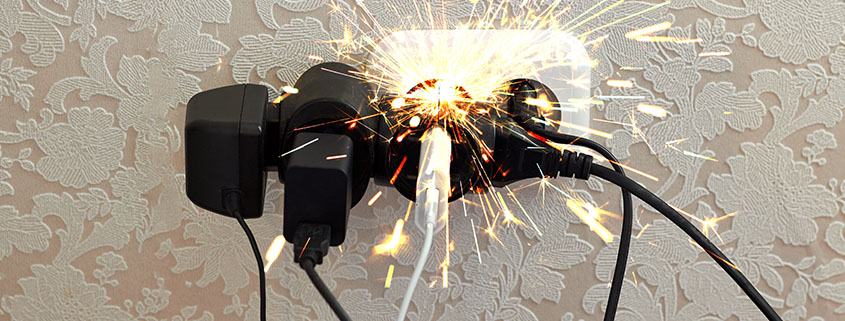
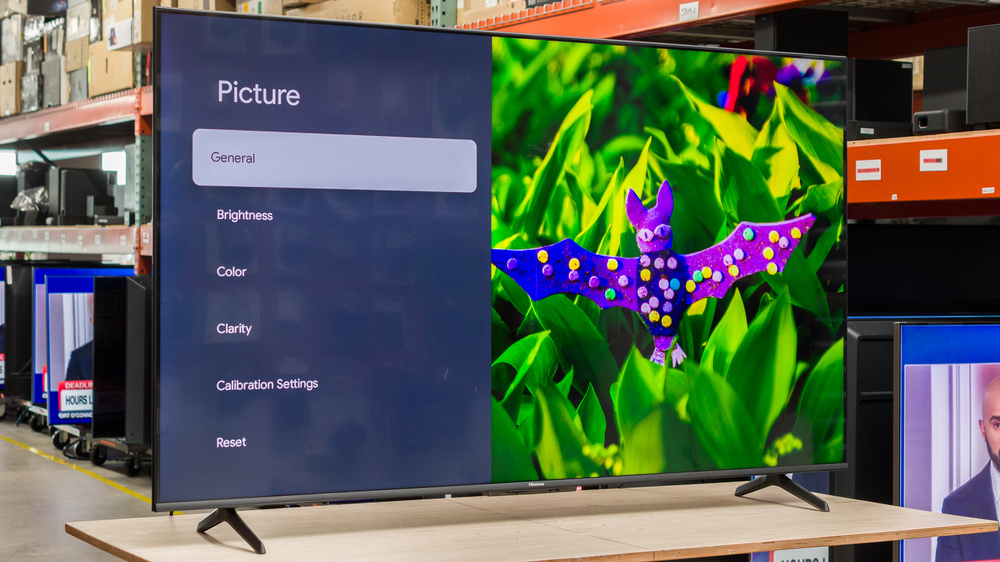
You hear the familiar click. Eskom has spoken. The lights go out. Two hours later, the power returns with a loud POP from the wall—and your Hisense TV never turns back on.
If your TV is completely dead (no red standby light, no sound, no picture), you are likely looking at a classic South African problem: a fried power board caused by grid-return surge.
The good news? You don't need a new TV. You need a new Power Supply Board—or a soldering iron.
Why Load Shedding Kills Hisense TVs (The Science)
A waveform graph showing normal electricity (smooth sine wave) vs. a "grid return surge" (a massive spike/spike cluster).
When the power comes back after load shedding, it rarely comes back clean. The grid experiences a voltage surge or "spike" as substations reconnect. Hisense power boards are sensitive to these fluctuations.
The Two Main Victims:
- The Capacitors: They swell, bulge, and leak electrolyte.
- The Fuse: It sacrifices itself to save the rest of the TV.
You need to figure out which one blew.
Step 1: The "Dead Test" – Fuse vs. Power Board
Before you open the TV, do this simple test:
| Symptom | Diagnosis | Fix Difficulty |
|---|---|---|
| No Standby Light, No response at all | Likely a blown internal fuse OR dead power board. | Moderate |
| Standby Light is ON, but TV won't turn on | Main board issue (not power board). | Moderate |
| Red light blinks 3-4 times, then nothing | Power board failure (capacitors). | High |
If you have zero lights, follow the guide below.
Step 2: Open the TV (Safely)
⚠️ WARNING: Power supply boards contain large capacitors that can hold a lethal charge for days. If you are not comfortable, skip to our Native Elements Assessment Service at the bottom of this article.
You will need: A Phillips screwdriver, a multimeter, and a well-lit workspace.
- Unplug the TV from the wall.
- Place the TV screen-down on a soft blanket.
- Remove the back panel screws.
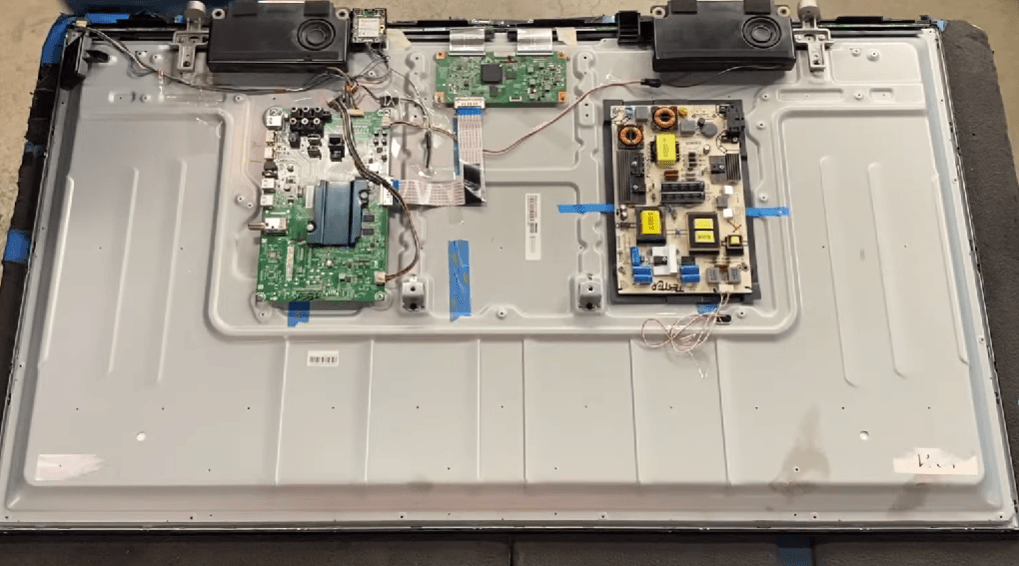
photo of the inside of a Hisense TV. The Power Supply Board (where the power cord enters) vs. the Main Board.
Step 3: Diagnose a Blown Fuse (The Easy Fix)
Locate the fuse on the power board. It looks like a small, glass or ceramic cylinder (or a yellow square block).
- Set your multimeter to Continuity (Ohms) mode.
- Touch the probes to both ends of the fuse.
- Beep? Fuse is fine. Move to Step 4.
- No beep? Fuse is blown.
Can you just replace the fuse? Sometimes. If the fuse blew in isolation, a new R5 fuse fixes the TV. But 80% of the time, the fuse blew because something else shorted.
Pro tip: If the glass fuse has black soot inside, you have a major short downstream. A new fuse will blow immediately.
Step 4: Spotting Fried Capacitors (The South African Special)
This is the most common failure during load shedding. Look at the cylindrical components on the power board.
What to look for:
- Bulging tops: The top should be perfectly flat. If it is domed or rounded, it is dead.
- Leaking fluid: Brown or black crusty residue at the base.
- Cross-shaped vents: If the "X" on top is stretched open, it has failed.

Hisense power supply with healty and failed capacitors.
Diagnosis: If you see bulging capacitors, your power board is fried. The grid return surge killed the voltage regulation.
Step 5: The Repair Options
You have three paths forward. Choose wisely.
Option 1: DIY Capacitor Replacement (Advanced)
- Cost: ~R50 for capacitors (from Mantech or Communica).
- Skill: Soldering iron, desoldering pump, multimeter.
- Risk: High. Polarity mistakes cause explosions.
Option 2: Replace the Entire Power Board (Recommended)
- Cost: R450 – R950 depending on Hisense model.
- Skill: Basic screwdriver work (plug-and-play).
- Time: 20 minutes.
We stock Hisense Power Supply Boards for 99% of models (32" to 75"). Search your model number (found on a sticker on the back of the TV) below to find your match.
Option 3: Native Elements Assessment Service (For the Nervous)
If opening the TV feels overwhelming, or you don't own a multimeter, we can do the dirty work for you.
💡 Native Elements Assessment Service Bring your Hisense TV to our depot. We will:
- Diagnose the exact failed component (fuse, capacitor, or MOSFET).
- Provide a fixed-price quote for repair.
- Install surge protection on your new board to prevent future load shedding death.
Price: R199 diagnostic fee (waived if you proceed with repair). Book your assessment here
Preventing Repeat Failure (Surge Protection)
You can fix the TV today, but if you plug it back into the same wall, the next load shedding cycle will kill it again.
Do not use a basic R50 multiplug. You need Type 3 Surge Protection designed for South African grid spikes.
We recommend:
- Ellies Surge Protector Plug (R250-R400): Plugs directly into the wall; your TV plugs into it.
- Inline UPS (R1500+): Cleans the power completely and allows you to watch TV during stage 2.
- Whole-home surge arrestor (DB Board mount): Best for fridges and inverters.
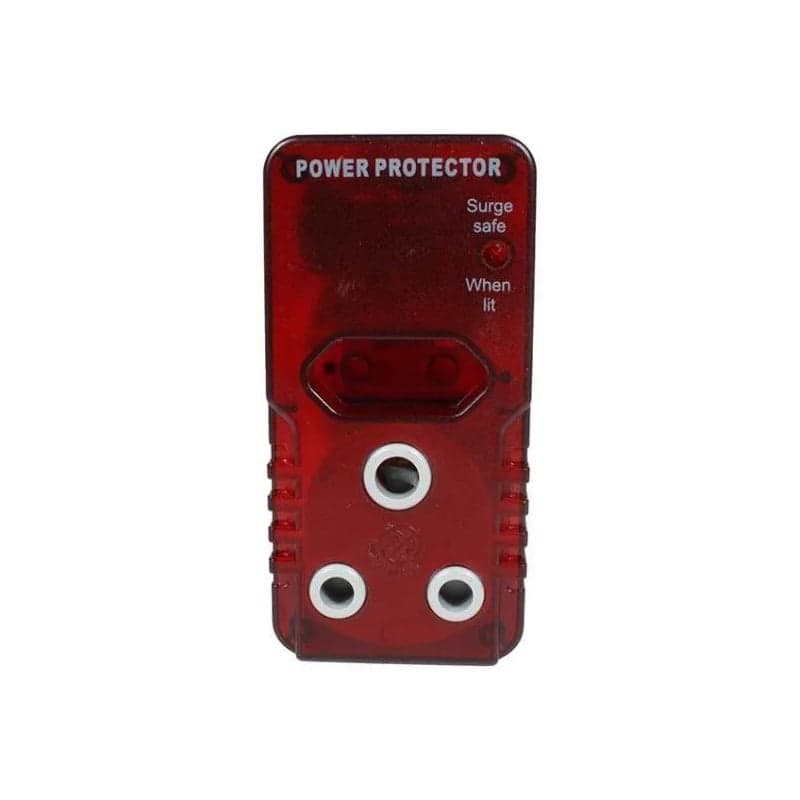
Bright yellow/red Surge Protection adapter (like Ellies or Chorus brand), which then plugs into the wall.
CTA: Get Your Hisense Back Online Today
Load shedding isn't going away. But a dead TV doesn't have to be e-waste.
- ✅ DIY Fixers: [Shop Hisense Power Boards by Model Number]
- ✅ Need Help? [Book a Native Elements Assessment]
- ✅ Urgent: WhatsApp us a photo of your model sticker for a quote. (+27 66 446 6542)
Don't throw away a TV that just needs a R200 capacitor. Fix it. Protect it. Enjoy the next Netflix binge between stages.
FAQ: Load Shedding & Hisense TVs
Q: Can load shedding permanently break my TV? A: Yes. The "inrush current" when power returns is the most dangerous moment. It fries the power supply, not the screen itself.
Q: Will a generator or inverter help? A: Yes, but only if it is a pure sine wave inverter. Modified sine wave inverters can also damage Hisense power boards over time.
Q: My TV has sound but a black screen after load shedding. Is that the power board? A: No. That is usually the backlight or T-Con board (different issue). See our other guide for that.
Q: How long does a power board replacement last? A: With a good surge protector, 3-5 years. Without one... next stage 4 blackout.
Experiencing a similar issue? Contact us for a no-obligation quote. We're here to help.